 Dogear
Books that reflow
Your text size and font, with the book's pictures in place and its own chapters in the contents.
A reading app for iPhone
Lift a corner and the page follows your finger. Made first for the foldable iPhone, for the EPUBs, PDFs and comics you already have.

Turning
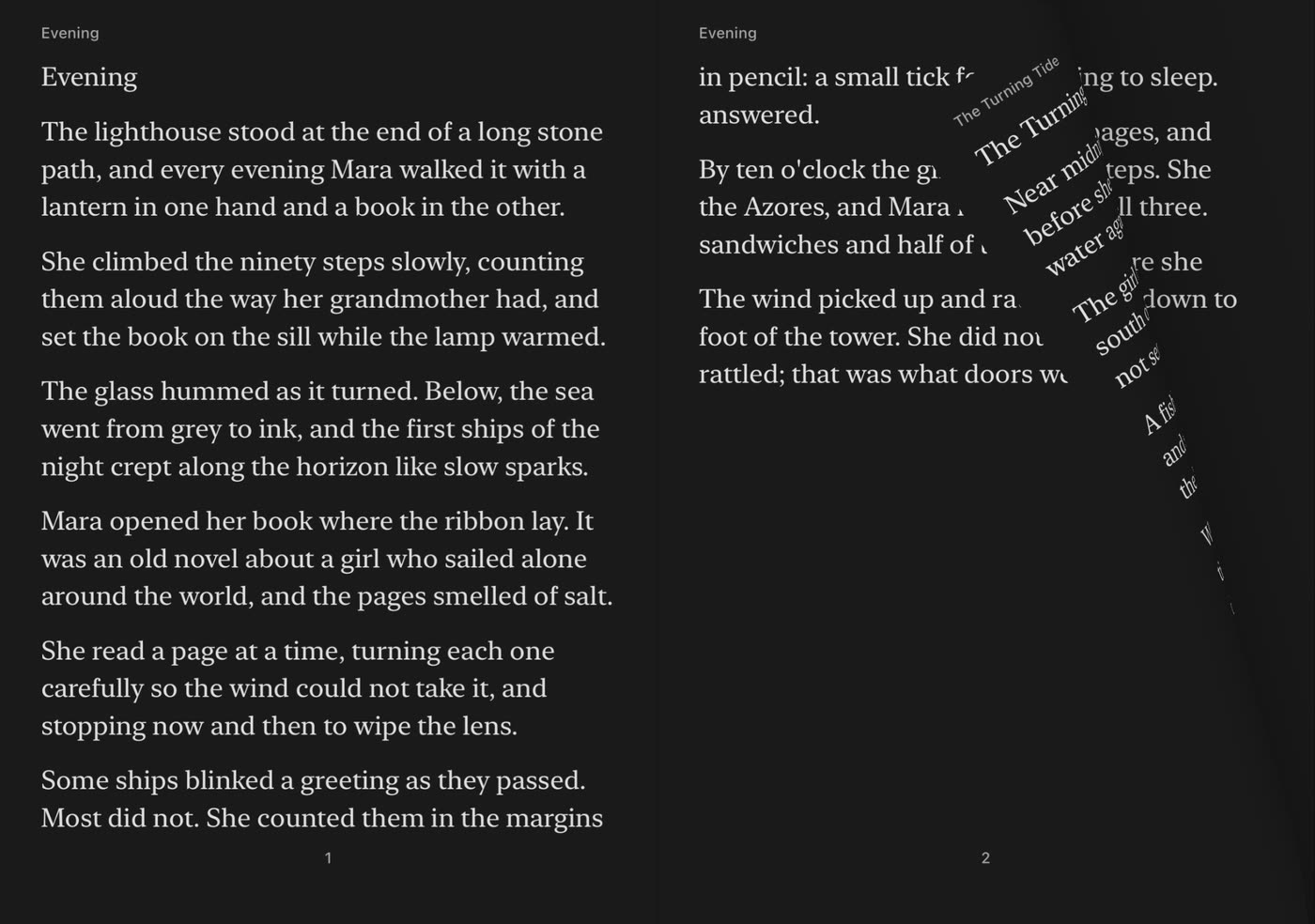
Pull from anywhere on the page and its corner lifts and curls. Hold still and it waits, half turned. Let go and it settles over, or falls back.
Made for the foldable iPhone
Folded, the front screen is your bookshelf: each cover fills it, edge to edge. Unfold over the one you want and it opens, two pages across, with the spine on the fold.
Your books
Import from Files, or share a book to Dogear from Safari, Mail or Files. Dogear keeps its own copy and remembers your place in every one.
Your text size and font, with the book's pictures in place and its own chapters in the contents.
PDFs keep their layout, with the blank margins their pages share trimmed so the words are larger.
Comic book archives open in order, a full page on each side when the phone is open.
Dogear opens DRM-free books. Books protected by DRM, such as many store purchases and library loans, can't be opened.
Read your way
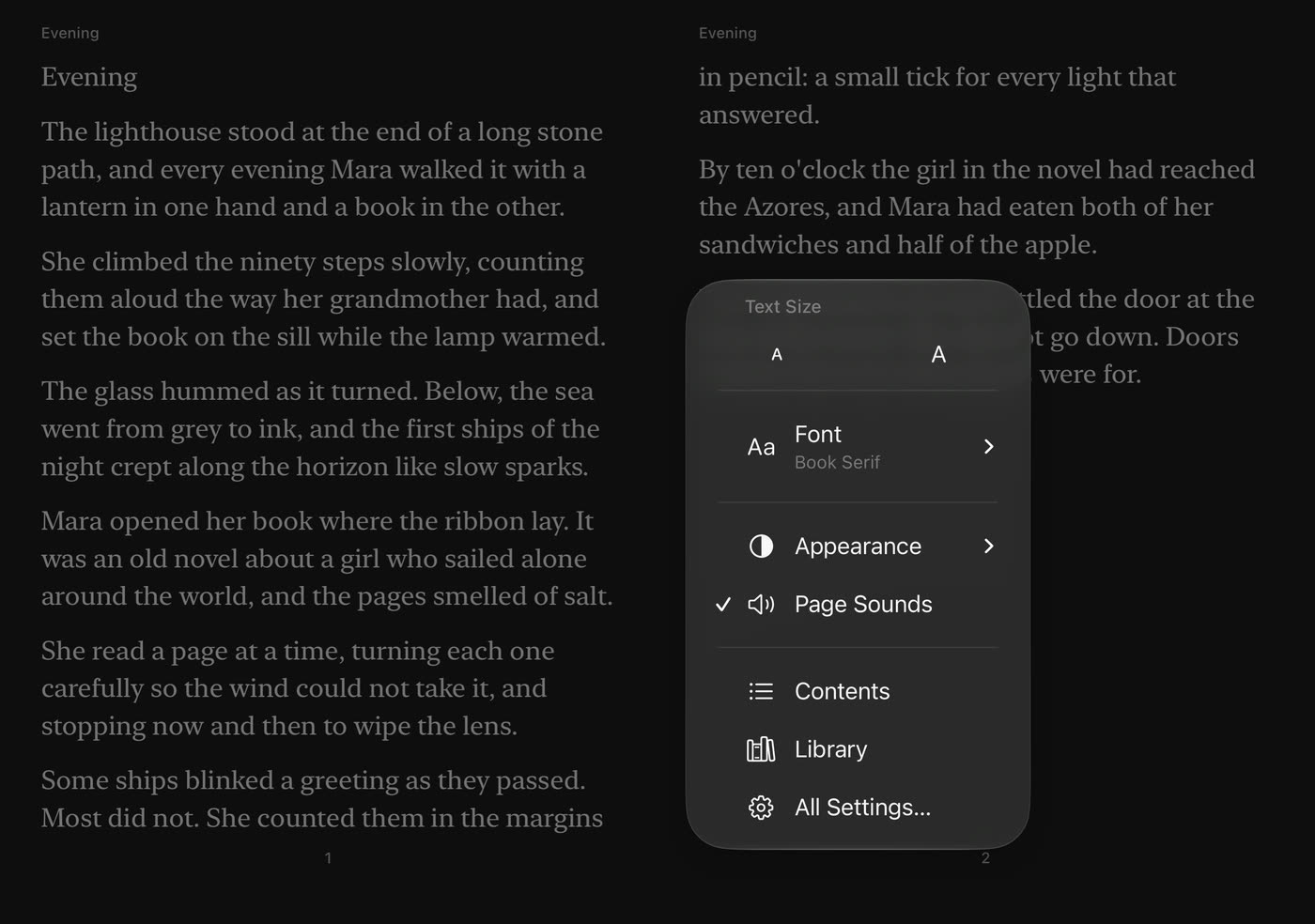
Rest a finger on the page and a menu opens where you are: text size, fonts, light or dark, page sounds, contents and your library. Your place stays put while the pages reflow.
Pricing
No subscription, no account. Dogear Pro is a single purchase that's yours for good.
Free
Everything you need to read
$4.99
One time · restore on any of your iPhones
Dogear collects no data. No accounts, no analytics, no tracking. Your books, your place in them and your settings never leave your iPhone. Privacy policy
Open beta
Dogear is in open beta on TestFlight. Install it on your iPhone, bring a few of your own books, and tell us what feels off. Dogear Pro is free while you test.